
When utilising any area of EDITED, you can always jump straight into AskEDITED by selecting this in the navigation bar.
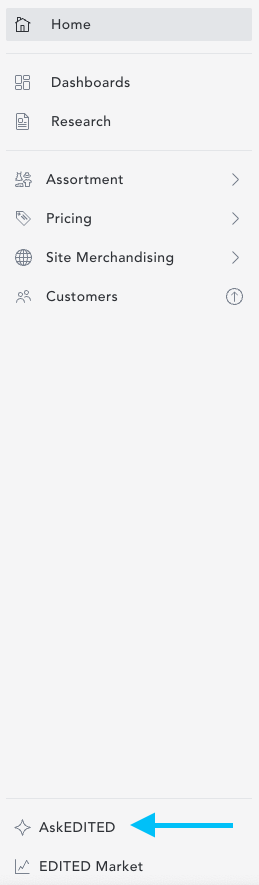
If you don't see this available in your navigation menu, it's possible you don't have this included in your current EDITED subscription. If you'd like to discuss gaining access, please reach out to support (by selecting Help > Get Help, in the top right-hand corner of your EDITED screen).
If you want to send a colleague a direct link to AskEDITED, the following link will prompt them to login before directing them to AskEDITED: https://ask.edited.com/.
If you want to send a colleague a specific AskEDITED conversation, simply click the 'share' button towards the top right-hand side of your conversation. This will copy the link to the specific conversation which can then be pasted to a colleague.