
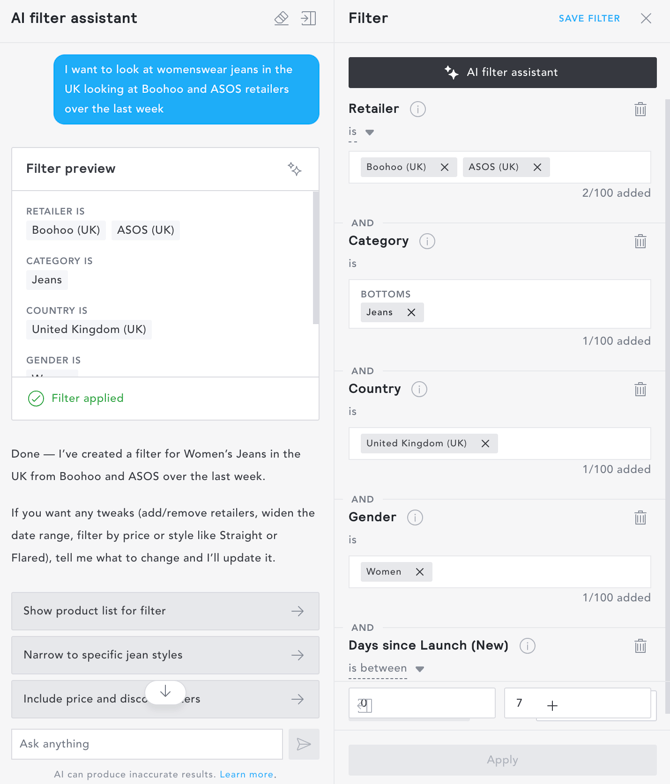
The AI Filter Assistant helps you find the right filters faster by providing AI-powered recommendations based on your prompts when in the myEDITED filter panel
Key Benefits
-
Faster onboarding: Get recommended filters immediately, without having to search manually.
-
Smarter insights: AI suggests the most relevant filters based on your prompt.
-
Simplified workflow: Reduce repetitive filter management and focus on analysis.
How Do I Use The AI Filter Assistant?
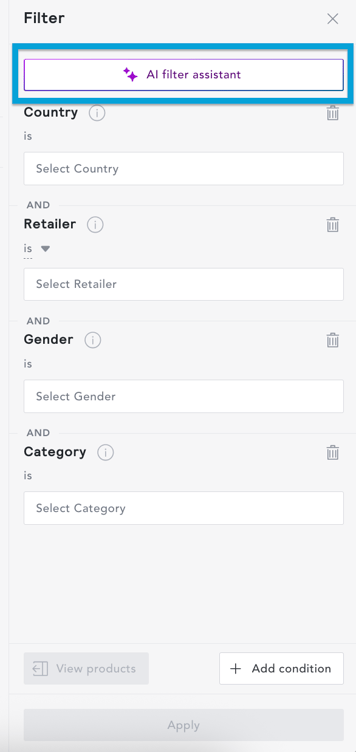
Your filter panel within Dashboards or Opportunties will have a AI Filter Assistant button as highlighted in the image.
Click the AI filter assistant button to open.
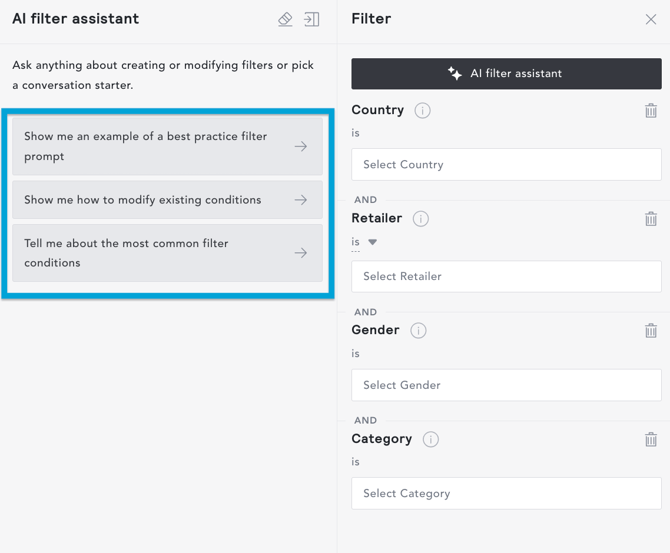
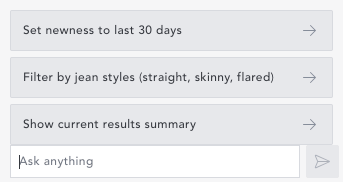
You can use prompts to help you get started with what to ask the AI filter assistant.
Use the 'Ask Anything' text box at the bottom of the filter panel to tell the assistant which filter you want to apply. See an example below:
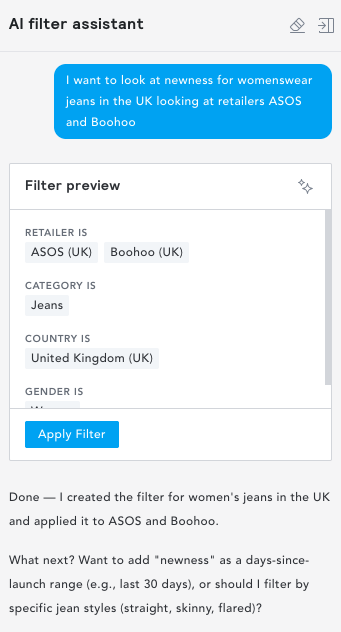
Other filtering prompts will be presented to refine your filters further:
Click Apply Filter once complete.
This is available in the myEDITED app only.